
Quickstart
-
Clone the repository
Terminal window git clone https://github.com/etalab-ia/OpenGateLLM.gitcd OpenGateLLM -
Install Python dependencies
make quickstartinvokescli.py, which needs a few Python packages. Install them with:Terminal window pip install ".[dev]"A virtual environment is recommended.
-
Make quickstart
Run OpenGateLLM quickstart with the following command:
Terminal window make quickstart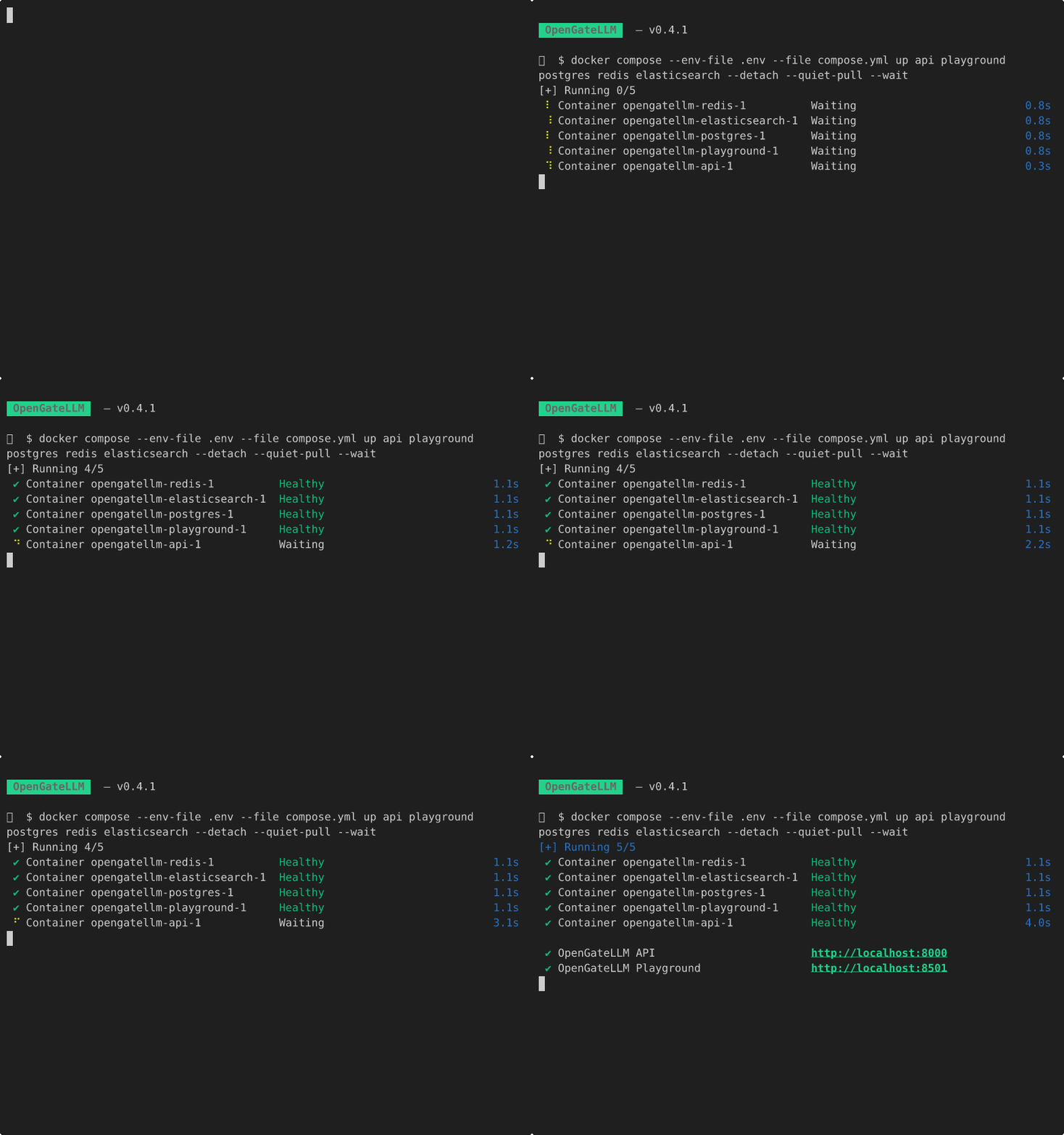
The services are running and available at the following URLs:
- API – http://localhost:8000/docs
- Playground – http://localhost:8501
ARM64 hosts (Apple Silicon)
Official OpenGateLLM images are published for
linux/amd64only. On ARM64, run:Terminal window DOCKER_DEFAULT_PLATFORM=linux/amd64 make quickstartFor a persistent setup, add
platform: linux/amd64to theapiandplaygroundservices in your localcompose.yml(the copy created by the quickstart command — do not editcompose.example.yml):api:platform: linux/amd64image: ghcr.io/etalab-ia/opengatellm/api:latestplayground:platform: linux/amd64image: ghcr.io/etalab-ia/opengatellm/playground:latestOn Docker Desktop for Mac, also enable use Rosetta for x86/amd64 emulation on Apple Silicon.
The bootstrap admin user is created and you can connect to the Playground with the following credentials:
- email:
admin - password:
changeme
This user is created at the first startup into a new role called
bootstrap_adminwith the permissionADMIN. We recommend deleting it after you have created your own admin account. See configuration file documentation for more information about the bootstrap admin user. -
Setup models
Now, you can setup your models to expose them to your users.
Setup your models