
Quickstart
-
Clone the repository
Terminal window git clone https://github.com/etalab-ia/OpenGateLLM.git -
Make quickstart
Run OpenGateLLM quickstart with the following command:
Terminal window make quickstart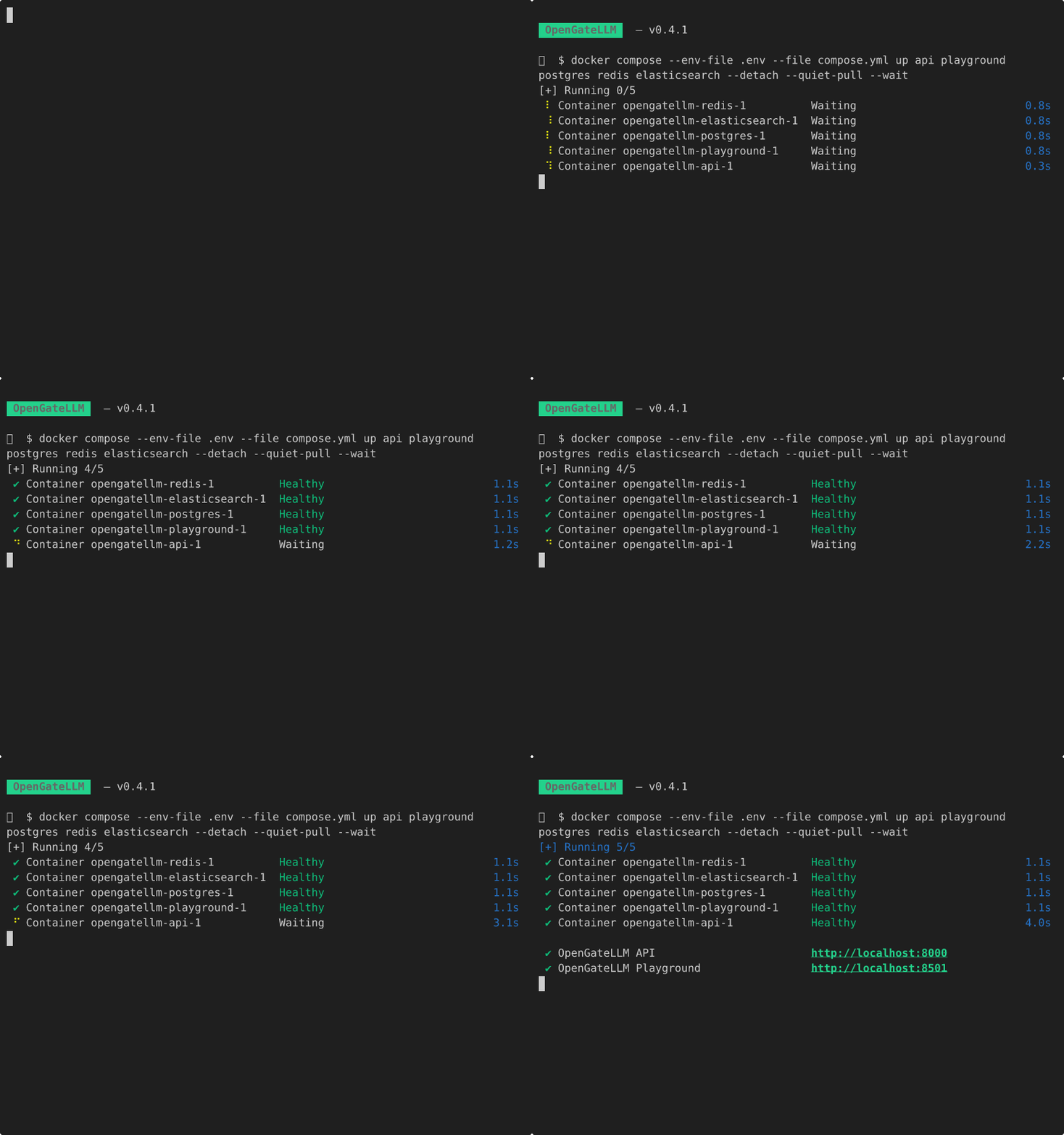
The services are running and available at the following URLs:
- API – http://localhost:8000/docs
- Playground – http://localhost:8501
The bootstrap admin user is created and you can connect to the Playground with the following credentials:
- email:
admin - password:
changeme
This user is created at the first startup into a new role called
bootstrap_adminwith the permissionADMIN. We recommend deleting it after you have created your own admin account. See configuration file documentation for more information about the bootstrap admin user. -
Setup models
Now, you can setup your models to expose them to your users.
Setup your models